
← All guides
3 steps
🏌️Run a “Who’s in?” game
The easiest way to organize the regular game. Create an open game, drop the link in your group chat, and people tap to say they’re in, no app, no roster wrangling. When you’re ready, Start the round opens the setup with everyone who’s in already added.
- 1
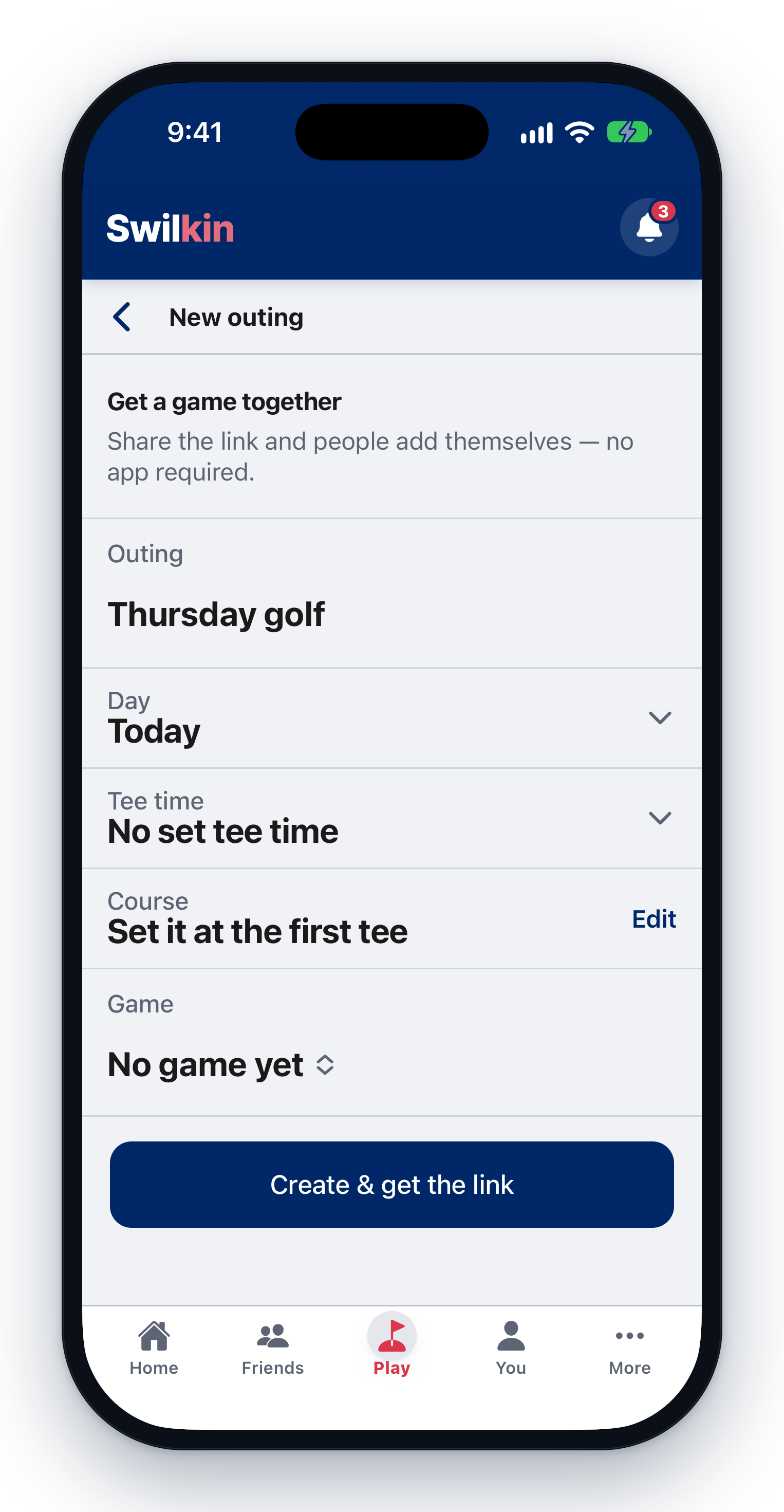
Create the game
Give it a name and a day (and optionally a course, tee time, and the game type). That’s it. You get a share link.
- 2
Share the link
Drop it in your group chat. Anyone who opens it sees the game and taps “I’m in”: signing up takes a few seconds, and a signed-in golfer can add their handicap right there for a net game.
- 3
Start the round
When the group’s set, tap Start the round and the setup opens with everyone who’s in already on it. Next week, “Run it back” starts a new outing from this one.