
How it works
See it before you play it.
The real app screens for the things you’ll actually do: swipe through a flow, then open one for the step-by-step.
⛳ Start a quick round
Tee it up in seconds: add your buddies, pick the game, and score it live.
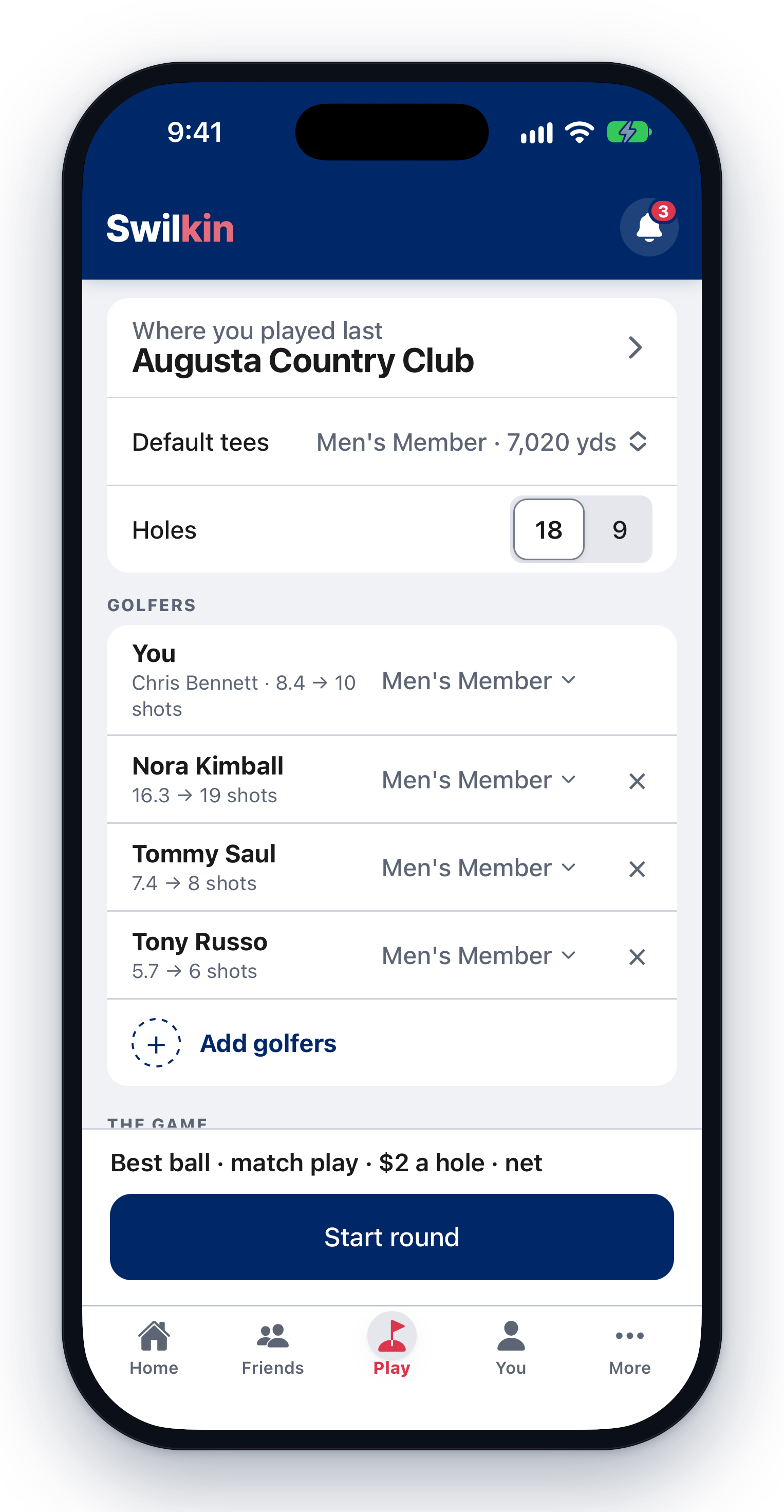

🏌️ Run a “Who’s in?” game
Share one link, let people add themselves, then start the round with the whole field.
🏆 Run a weekly outing
One link signs everyone up, one tap makes fair teams, and the tee sheet builds itself, for 8 players or 60.
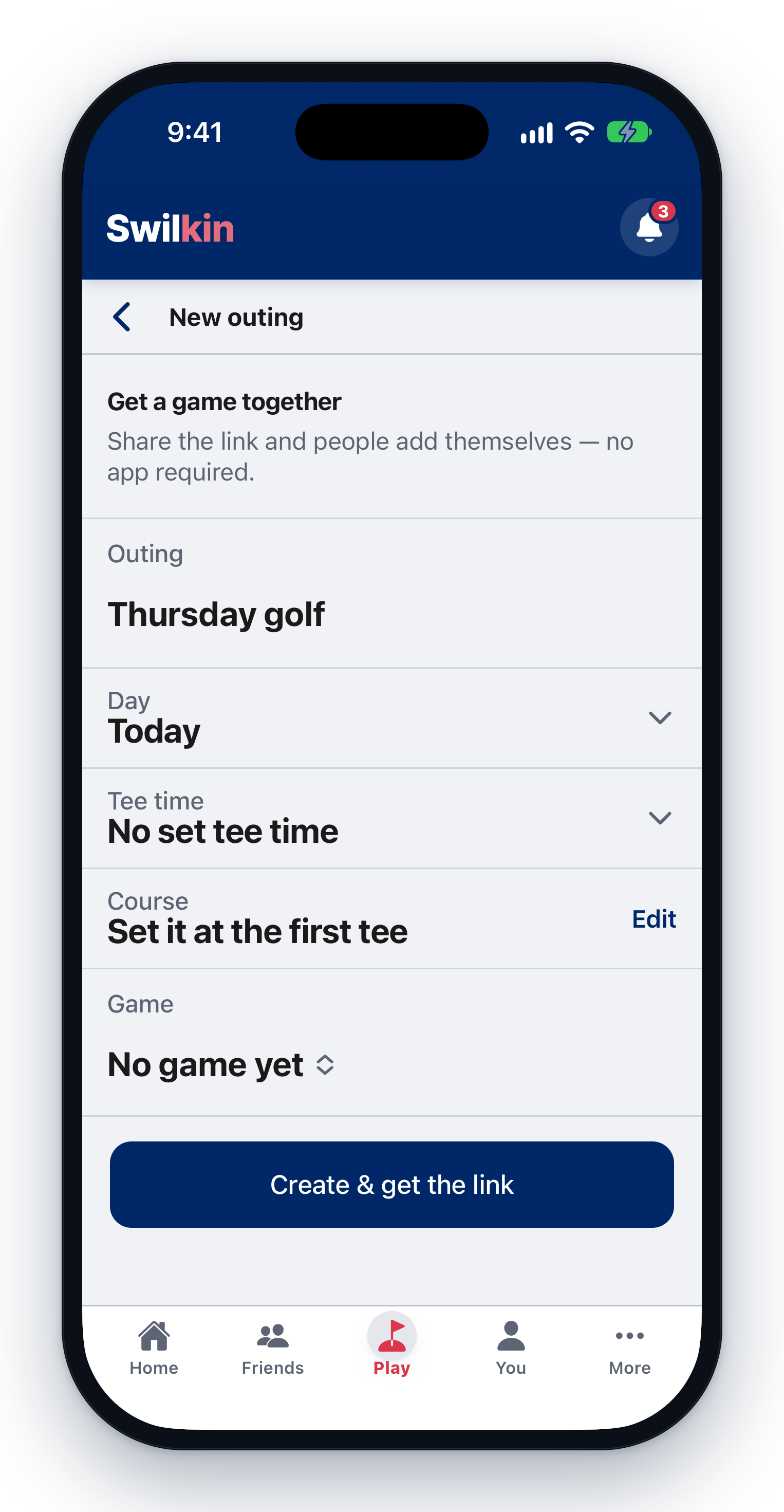 Send out one signup link
  Pick the game
  Put them on teams and in groups
  Build the tee sheet
  Hand out the scorecards
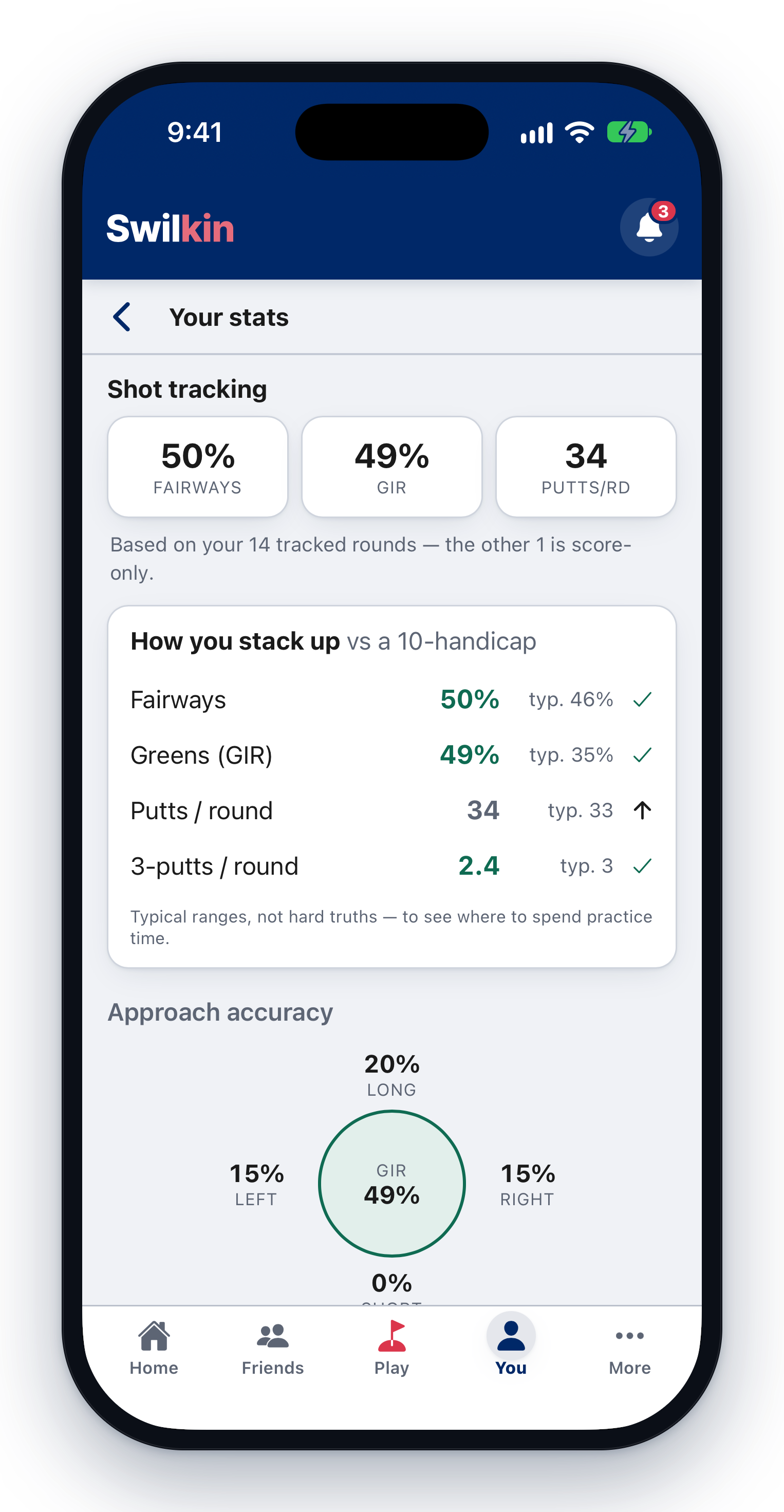
 📊 Track your game
Your scores, records, and stats: measured against your level so you know what to practice.
🏆 Run your own Ryder Cup
Two (or more) teams, a match slate every round: points on the board all weekend.


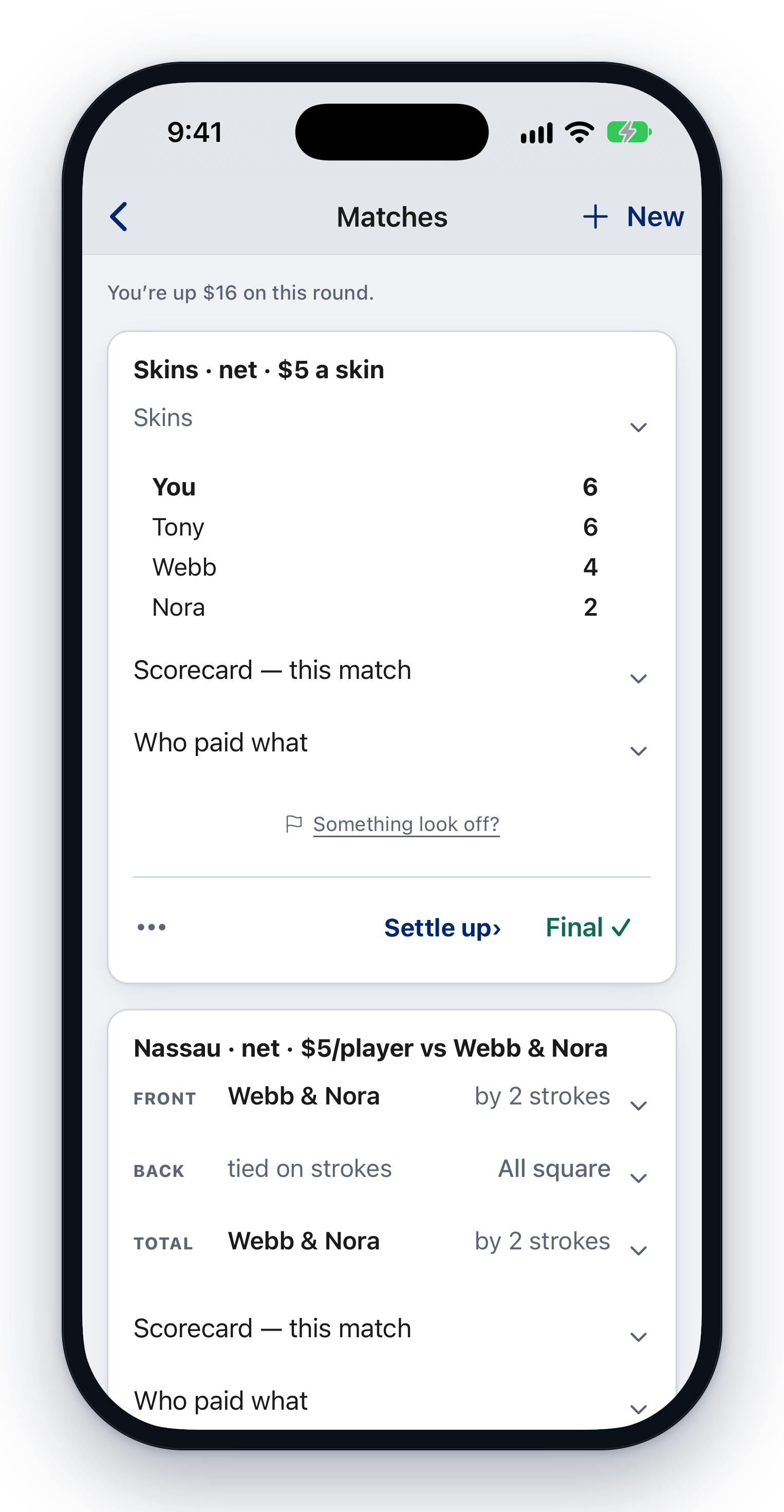
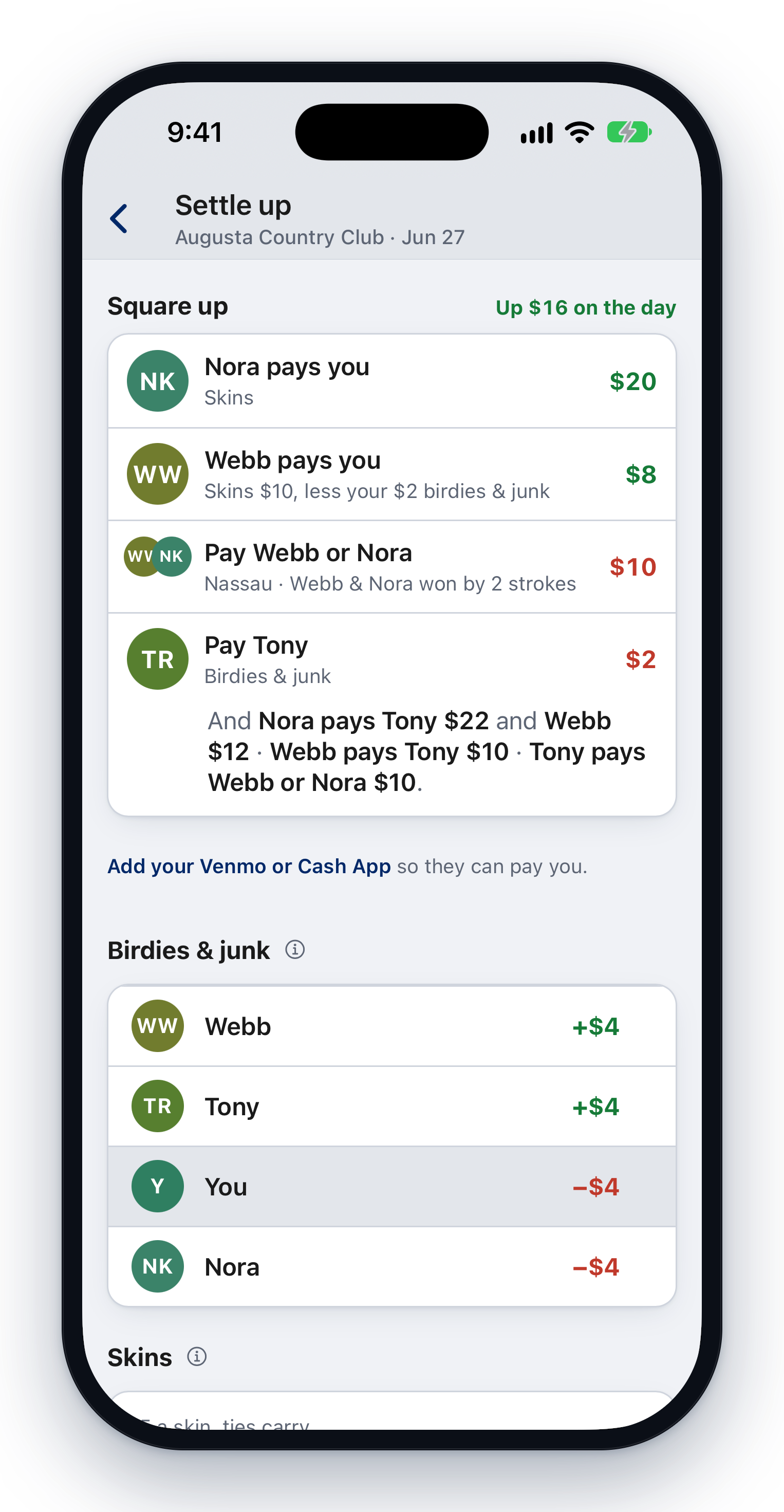
💸 Stack a pile of bets on one scorecard
A $30 Nassau, team birdies, a grudge match, and singles greenies: all off one card, settled to the penny.
👥 Set up teams in a game
Pick a team game and the teams come with it. Each game on a round keeps its own sides.
📇 Find friends from your contacts
See which of your contacts already play on Swilkin, and text the rest your invite link.
🗓️ Make a practice plan
Pick the drills and the days, set a reminder, and log each session in a few taps.


🎓 Take on a student
Add a student, send a note after each lesson, and set the homework that goes with it.

🎬 Send a swing clip with a lesson note
A pro or a student can put a clip of up to 60 seconds on a lesson note. In the iPhone app, the phone shrinks it before it sends.

🏫 Coach a team
A roster, a calendar of practices, and matches, qualifiers and the lineup, for a school, or club team.
