
6 steps
🏆Run a weekly outing
The classic big-group game. Everyone signs up with a link, you put them on teams and in groups, set tee times, and every group scores itself. Best ball with the two lowest net scores counting, skins on the side, and each player can still run their own money games across the whole field.
- 1
Send out one signup link
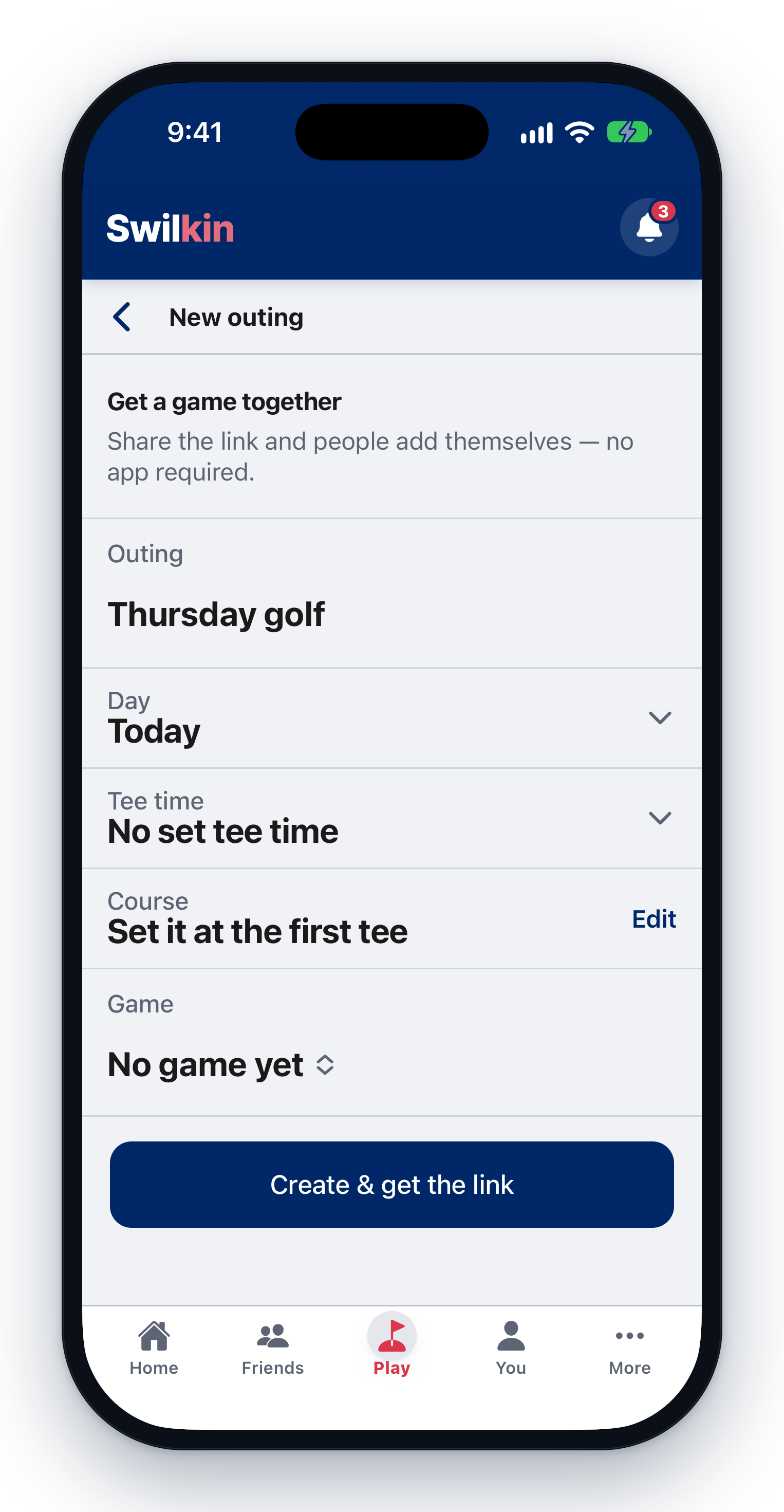
Create a “Who’s in?” game and drop the link in the group text or email. Everyone taps “I’m in” with their name and email, no app, no account needed. The whole list is visible to everybody, so the trash talk starts early.
- 2
Pick the game
When the field is set, start the round and set up the team game: a net team match with the best two balls counting is the classic outing game (teams of four, best two net scores on every hole). A scramble or Stableford works the same way.

- 3
Put them on teams and in groups
In the game’s block, tap a name, then the team it goes on. With more golfers than one group holds, the setup asks “Who’s with whom?” and lays the groups out; tap a name, then the group it goes in, so each foursome has two from each side.

- 4
Build the tee sheet
Set the first tee time and the interval (“8:00, every 10 minutes”) and the sheet fills itself. The order is yours: shuffle it, move any group up or down, open a gap when the starter blocks a slot, or tap any time and type over it. Team 3 can absolutely go off first.

- 5
Hand out the scorecards
Every group gets its own scoring link and code: send each foursome theirs and one person per group enters scores from their phone. No accounts needed, and every card feeds the same live leaderboard.

- 6
Let the side action fly
The team event is only the beginning: anyone in the field can stack their own bets on the same scores. A $10 match against a buddy three groups back, skins inside your foursome, birdies across the whole field. One set of scores, everybody’s games, and every dollar settles itself at the end.