
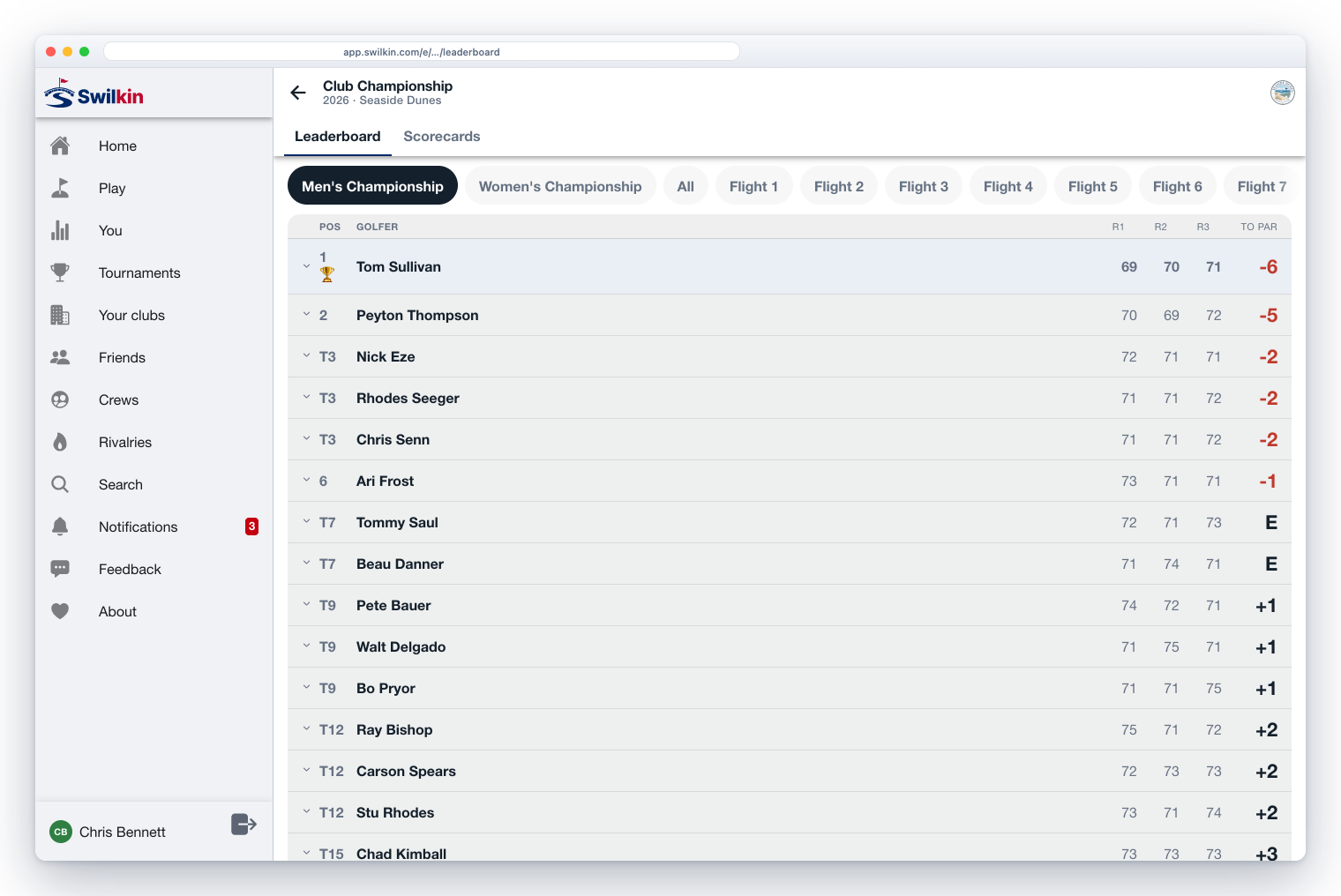
The three boards, in detail
Ask anybody who has run a club event what people actually remember, and it is never the software. It is the moment a group comes off 18, walks into the grill room, and sees their name on a screen.
That is the product. Everything else (the entries, the pairings, the scoring) is machinery in service of a board that people stand in front of. So the question worth answering is not “does it have a leaderboard.” Every one of them has a leaderboard. It is where can the board actually go, and what does it take to get it there.
There are three answers, and most clubs want all three.
1. The clubhouse TV: one event, full screen
Every event has a full-bleed TV board: no navigation, nothing but your field, themed to your event. Open it on any browser attached to any screen and leave it.

⭐ What it needs is a browser, and that is the whole list. Any laptop with an HDMI cable, a smart TV that can open a URL, a spare tablet on the bar. No box to buy, no app to install on the television, no cable run to the pro shop. If it can load a web page, it can be the board.
2. The club channel: every board at your club, cycling on its own
The TV board is one event. A busy Saturday is not one event: it is the men’s championship, the ladies’ nine, and a junior round, and nobody is going to stand there clicking between them.
So a club has a channel: one screen that cycles through every board you have running, on its own, cross-fading from one to the next about every twenty seconds. Point the TV at it in the morning and do not touch it again.
What it puts up is decided for you, which is the point:
- anything live right now
- anything starting in the next 24 hours, so the field sees the board before a ball is struck
- anything that finished in the last 48 hours, because the board people most want to look at on Sunday morning is Saturday’s result
⭐ And it does something better than going blank when nothing is on. With nothing live, about to start, or just finished, the channel shows a standby screen: your reigning champion, the top of the order of merit, and the next event on the calendar. A screen in a clubhouse should never be a black rectangle: quiet Tuesdays included.
3. Inside the website you already have
A lot of clubs do not want to send members anywhere. They have a website, members know it, and the right answer is for the results to appear on it.
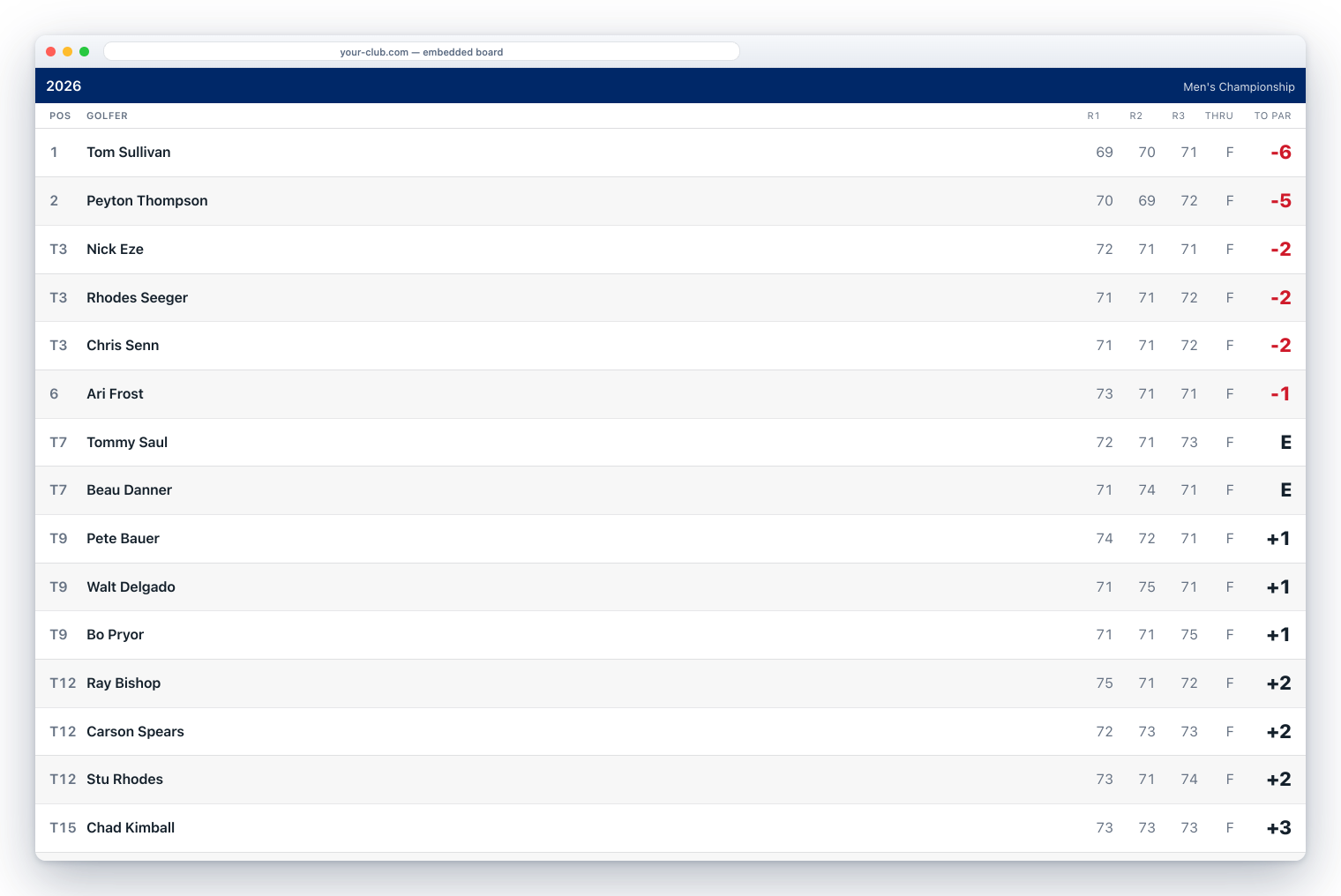
So the board embeds. In the event’s settings there is a Copy embed code button. It puts a single
<iframe> on your clipboard (already sized, already titled, already set to load lazily) and you
paste it wherever you want the board to appear. Squarespace, WordPress, Wix, a page somebody’s
son-in-law built in 2011: if it takes an HTML block, it takes this.
That is the entire integration. No plugin, no API key, no developer, and nothing to configure after the paste. It refreshes itself about once a minute as scores land, and it carries no Swilkin navigation. It is your page, with live results in the middle of it.
And if your club does not have a website it likes, the board is a block on the one Swilkin gives you: alongside the champions wall, sign-ups, and the calcutta payout board, all filling themselves from the event you are already running. (Give your club a real home page.)
Which board, though?
Worth knowing before you point a TV at it: a big event is usually several races off the same scorecards: a gross championship, a net board, flights, a Sunday shootout. The TV board cycles through all of them on its own, so a screen left alone shows the gross championship, then the net board, then each flight. (Pinning one screen to one board is a URL away, not a button yet.) (Flights, gross versus net, and how they interact.)
If you are the one watching
Not everybody reading this runs the event. Some of you are the spouse at home, the parent in the car park, or the member who played at 7:40 and wants to know if it held up.
For an event you need a link and nothing else: the board opens in a browser with no app and no login, unless the organizer made the event private. Tap any row to open that golfer’s card, strokes marked. An organizer can hide other groups’ scores during play and reveal the board at the end, so if the board looks thin on Sunday afternoon, that may be on purpose.
A casual round is different. While it is being played it shows live to anyone connected to someone on the card (a friend, or somebody they have played with) and everyone else can open its link once the round is done. A live board needs a connection on your end; the golfers’ scores sync whenever their phones find signal, so a board can run behind on a remote back nine.
The honest notes
A public event’s board link is readable by anyone holding it. No login, no expiry. That is exactly what makes a TV, an embed, and a text to the group work at all, and it is worth knowing before you paste one somewhere public.
Nothing appears that you have not announced. A draft event you are still building is not on anybody’s channel.
It is free, TV board and embed included, the same as the rest of the event tools. Here is exactly what that means.
The board is the part of your event people photograph. It should not be the part you have to argue for a budget for.