
4 steps
⛳Start a quick round
A casual round is the heart of Swilkin. Pick a course, drop in whoever you’re playing with (no app required for them), choose the game, and you’re scoring live with bets and stats handled for you.
- 1
Open “Start a round”
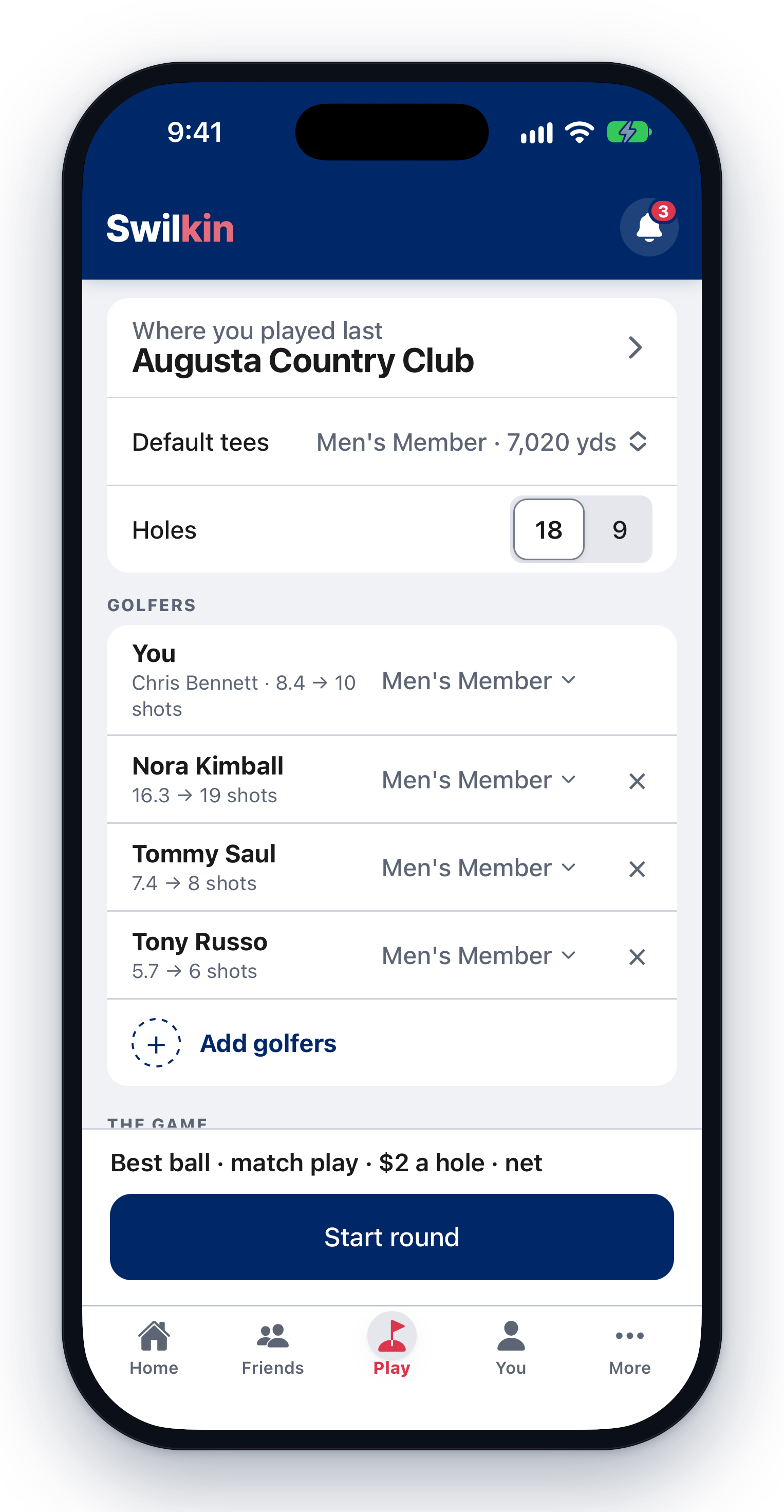
From your home screen, tap Start a round. It is one screen, and the course is already on it (the one you’re standing on, or else where you played last) with its tees and 18 holes. Tap the course to change it.
- 2
Add golfers
Tap Add golfers and tick the people you play with, or type a new name. They don’t need the app. You can invite them to claim their spot later. Each golfer plays their own tees, with their strokes beside their name.

- 3
Pick the game
Tap Game and pick from the list: Match play, Best ball (four-ball), a Nassau, Skins, and more. The game’s own block sits under it on the same screen: how it’s scored, who is on which team, and what it’s played for, down to a Max loss. Playing more than one? Add Another game.

- 4
Score it live
Everyone in the group can enter scores from their phone with a shared code. Bets settle as you play, and your fairways, greens, and putts roll into your stats automatically.